Free memory apps already on your phone: 9 reminders, notes and settings that help you remember more
The Quick Answer
The best memory apps are usually the free ones already on your phone: Reminders (with time and location alerts), Calendar with two alerts per event, Notes or Google Keep for lists, the camera as a “photo memory”, your voice assistant for hands-free reminders, and Find My or Find My Device for a lost phone. Set them up once and they quietly catch the things your brain should not have to hold. They work on the outside; for support on the inside, the stimulant-free formula we recommend is MemoMatrix.
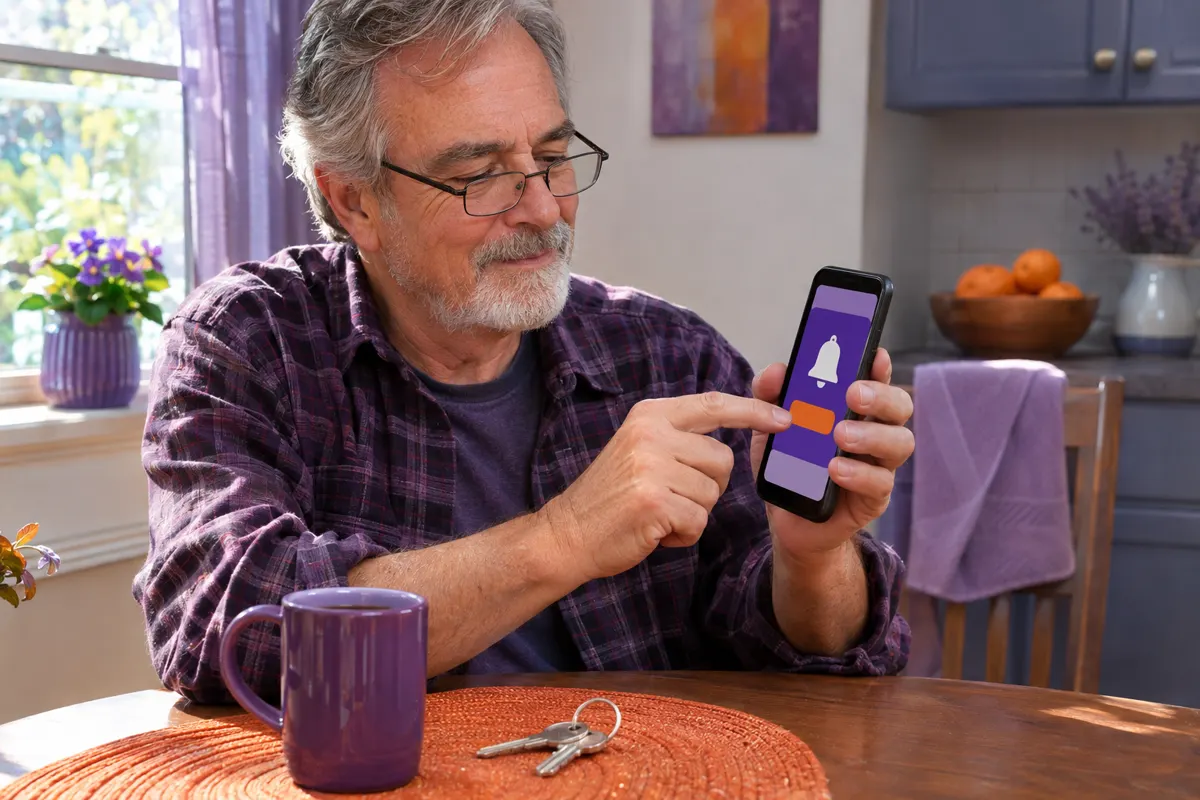
Search for “memory apps” and you will find hundreds of downloads, subscriptions and brain games. Interest in them has been growing steadily. But before you pay for anything, look at the phone in your hand. It already carries a complete memory toolkit, and most people use only a fraction of it.
This guide shows nine free tools built into iPhone and Android phones, what each one is best for, and how to set it up in a minute or two. No new accounts, no subscriptions, no sharing of personal health data.
Why phone tools help your memory (and are not “cheating”)
Your working memory, the mental notepad you use to hold something for a few minutes, is small for everyone and gets busier with age, stress and multitasking. Trying to hold appointments, errands and to-dos in your head all day uses up that notepad and leaves less room for conversations, names and new information.
Health organizations such as the National Institute on Aging suggest using to-do lists, calendars and notes for exactly that reason. Off-loading routine details is a smart strategy, not a sign of decline. It frees your brain for the things that matter.
The 9 free memory tools at a glance
| Tool | iPhone | Android | Best for |
|---|---|---|---|
| 1. Reminders with time alerts | Reminders app | Google Tasks or Google Keep | Calls, bills, daily routines |
| 2. Location reminders | Reminders app (“When arriving/leaving”) | Varies by app and phone | “Buy milk when I leave work” |
| 3. Calendar with two alerts | Calendar | Google Calendar | Appointments and birthdays |
| 4. Shared lists and calendars | Reminders, Notes, Calendar sharing | Google Keep, Google Calendar sharing | Couples and families |
| 5. Notes and lists | Notes | Google Keep | Shopping lists, ideas, questions for the doctor |
| 6. Photo memory | Camera | Camera | Parking spots, where you put things, labels |
| 7. Voice assistant | Siri | Google Assistant or Gemini | Reminders hands-free, while cooking or driving |
| 8. Find your phone | Find My | Find My Device | The phone you just put down somewhere |
| 9. Daily alarms with labels | Clock | Clock | Daily habits, including your supplement |
1. Reminders with a time alert
The simplest and most powerful memory app is the reminder. On iPhone, open Reminders, tap New Reminder, type the task and set a date and time. On Android, Google Tasks and Google Keep both let you add a reminder with a time. The rule that makes it work: set the reminder the moment the task appears, not later. “Later” is when tasks get lost.
2. Location reminders: remember at the right place
Many errands are tied to a place, not a time. On iPhone, a reminder can alert you “When arriving” or “When leaving” a location such as home, work or the pharmacy (location services must be on). It is perfect for “take the library books when I leave home”. On Android, location-based reminders depend on the app and phone; check your reminder or to-do app’s settings.
3. Calendar with two alerts per event
Put every appointment in one calendar and give it two alerts: one the day before (to prepare) and one an hour before (to leave on time). For birthdays, set an alert a week ahead so there is time to send a card. One calendar is better than three: a paper diary, a phone calendar and a wall calendar that disagree are a recipe for missed appointments.
4. Shared lists and calendars for couples and families
Both iPhone and Android let you share a list or a calendar with someone else. A shared grocery list or a shared family calendar means two memories instead of one, and fewer “I thought you were going to do that” moments.
5. Notes for everything else
The Notes app on iPhone and Google Keep on Android are ideal for lists: groceries, gift ideas, the name of a book someone recommended, and especially questions for your next doctor visit. Pin your most-used notes to the top so they are always one tap away.
6. Your camera as a photo memory
Take a photo of where you parked, the shelf where you stored the holiday decorations, the label of a product you liked or the whiteboard after a meeting. A photo takes two seconds and replaces a memory you would otherwise have to work to store. Create an album called “Remember” so they do not get lost among family pictures.
7. Your voice assistant, hands-free
“Hey Siri, remind me to call Anna at 4 pm.” “Hey Google, remind me to take the chicken out of the freezer tonight.” Voice reminders are perfect when your hands are busy cooking, gardening or driving, which is exactly when good ideas tend to disappear.
8. Find My and Find My Device
Losing your phone is twice as stressful because the phone is also where your reminders live. Turn on Find My (iPhone) or Find My Device (Android) so you can make the phone ring from another device or a web browser. For keys and glasses, the best tool is still free: one fixed spot by the door. Our article on why you forget why you walked into a room explains why a fixed spot works so well.
9. Daily alarms with a label
For daily habits, a labelled alarm in the Clock app is simple and reliable: “Walk”, “Water”, “Call Mom”, “Breakfast + MemoMatrix”. Labels matter: an alarm that only rings makes you wonder why; an alarm that says what to do gets done.
What about brain-training apps?
Many free puzzle and word-game apps are fun and can be a pleasant mental workout. Just keep expectations realistic: getting better at a game mostly makes you better at that game. Learning something genuinely new, staying social and moving your body are broader habits, which we compare in nootropic supplement vs brain games vs coffee.
A simple setup in 10 minutes
- Turn on location services for Reminders and set your home and work addresses.
- Add your next three appointments to the calendar with two alerts each.
- Create a pinned note called “Ask the doctor” and another called “Groceries”.
- Create a photo album called “Remember”.
- Turn on Find My or Find My Device.
- Set one labelled morning alarm for your daily routine.
These tools handle the outside of memory. The inside, how well your brain takes in and recalls information, depends on sleep, movement, stress and nutrition. That is where a daily formula such as MemoMatrix fits: two capsules with breakfast, triggered by the same labelled morning alarm.
When to talk to a doctor
Apps help with everyday lapses. If memory changes are sudden or getting worse, if you have trouble with familiar tasks such as paying bills or following directions, or if family members are worried, talk to your doctor. Many causes, from low vitamin B12 to sleep problems or medication effects, are treatable.
Our recommendation: MemoMatrix
Phone tools take the load off your memory. For support from the inside, MemoMatrix is the formula we recommend. It brings eight well-known, plant-based nutrients together in one stimulant-free daily routine, made in a GMP-certified, FDA-registered facility in the U.S.:

- Bacopa Monnieri and Phosphatidylserine — the classic memory pair for names and details, building with consistent daily use.
- Alpha-GPC and Huperzine A — support for acetylcholine, the brain’s key messenger for learning and recall.
- Lion’s Mane and Ginkgo Biloba — for long-term nerve health and healthy circulation to the brain.
- L-Theanine and Rhodiola Rosea — calm, steady focus and resilience to everyday stress, without stimulants.
- Clean, simple routine: 2 capsules a day (each 60-capsule bottle is a 30-day supply), plant-based, non-GMO, stimulant-free.
On the official store it runs from $49 per bottle on the 6-bottle bundle (with free US shipping), $69 per bottle for 3 and $79 per bottle for 2, all protected by a 60-day money-back guarantee. Buying from the official store also means you get genuine, in-date stock. Because it contains ginkgo, show the label to your doctor or pharmacist if you take blood thinners or other prescription medicine.
Frequently Asked Questions
What is the best free memory app?
For most people it is the Reminders app already on the phone (or Google Tasks and Google Keep on Android), combined with the Calendar app. They are free, reliable and need no new account.
Can my phone remind me when I get home?
Yes. On iPhone, the Reminders app can alert you when arriving at or leaving a location such as home, as long as location services are on. On Android, location reminders depend on the app and phone you use.
Do brain-training apps improve memory?
They can be an enjoyable mental workout, but improvement tends to be strongest on the games themselves. Learning new skills, staying social, sleeping well and moving regularly are broader habits for memory.
Is it bad to rely on my phone to remember things?
No. Health organizations recommend calendars, lists and notes for everyday memory. Off-loading routine details frees your mind for conversations, names and new information.
How can I stop losing my phone?
Turn on Find My on iPhone or Find My Device on Android so you can make it ring from another device, and give the phone one fixed charging spot at home.
Can a supplement help alongside memory apps?
Apps handle reminders on the outside, while a daily formula such as MemoMatrix is designed to support memory and focus from the inside. Many people use both, triggered by the same morning alarm.
Head back to the MemoMatrix overview, read the full review or browse more guides on the blog, starting with 8 five-minute memory habits.